

Chapter 2 - Getting Started with Canva
Make sure you are logged in to Canva.
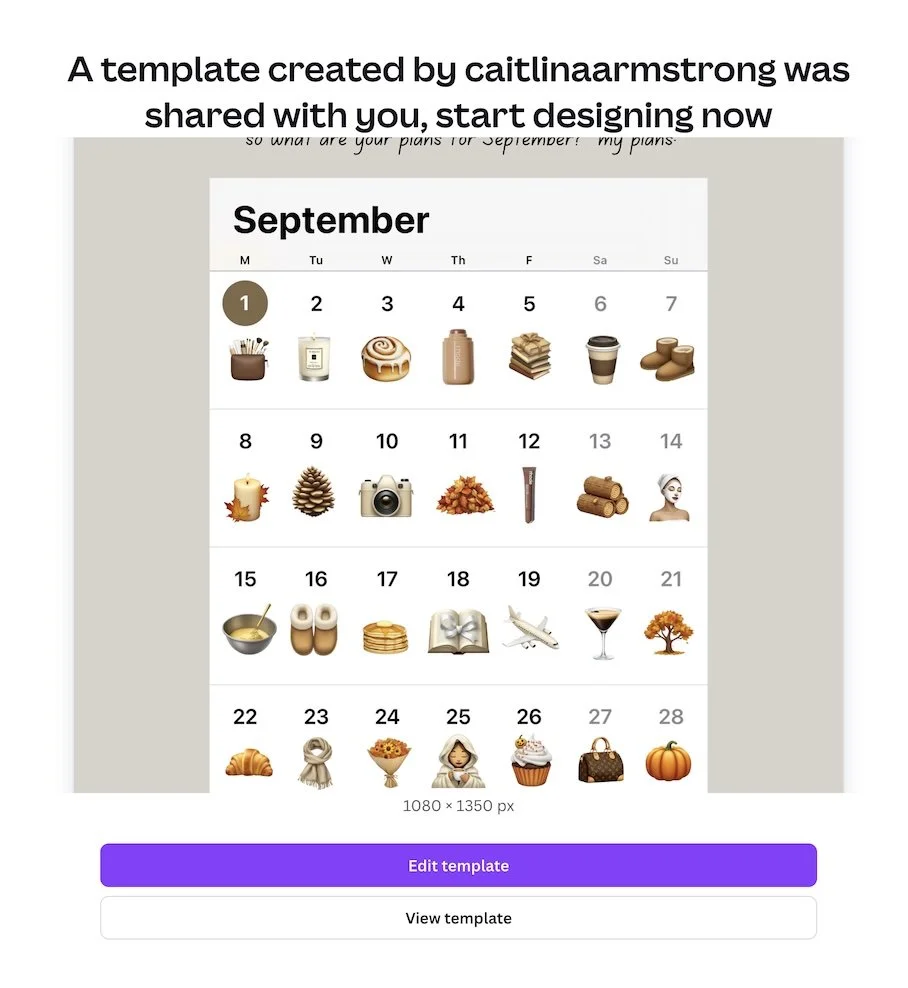
Open the link provided with your template purchase. A screen previewing the template will display (as per image below).
Click 'use template.' The template will open in Canva, ready for you to edit.
You can make a copy of the template to preserve the original - once your template is opened, just head up to "File" at the top left and choose "Make a copy" from the menu. Now the template is yours to do as you wish with!
You can change colours, fonts, add or remove text, images, pages and more.
ACCESSING TEMPALTES
NOTE:
When ever you see the crown icon 👑, for example on fonts, elements, graphics etc, it denotes something only available to Pro users.
-
Personal Instagram Page: @caitlinaarmstrong
Personal TikTok Page: @caitlinaarmstrong_
The Social Voice Instagram: @socialvoice.co
Website: https://www.thesocialvoiceco.com